
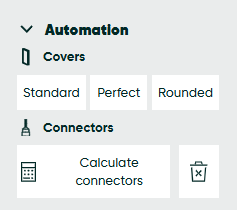
Have you finished your design? Save it and simply click the calculate connectors button.
Do you want to have a better view of where beCAD® has added connectors?
Go to the picture icon on top and choose the transparent frames option.
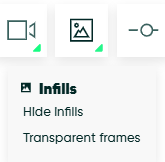
All frames have now been made transparent, and it will be much cleared to see what connectors are included and where they have been added.
Tip: Wish to see what connector has been drawn by beCAD®? Create a building plan.