Saved groups
- Create a group of objects by selecting them and clicking on Create a new group
- Click on the three dots next to the group name and click Save
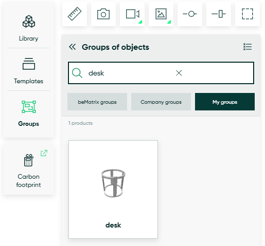
- Your saved group will appear under Groups > My groups
Saved templates
- Click on Templates in the left side bar
- Click Create a new template
- Give your group a name (avoid using special characters) and click ok
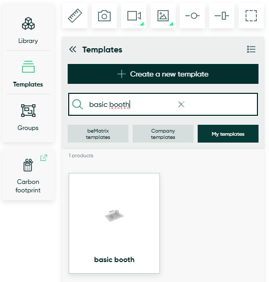
- Your saved group will appear under Templates > My templates
Managing your saved groups and templates
-
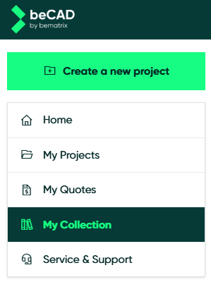
Go to the menu and open the My Collection tab. Here you can view your saved templates and groups, and you can edit the name or delete them as needed.