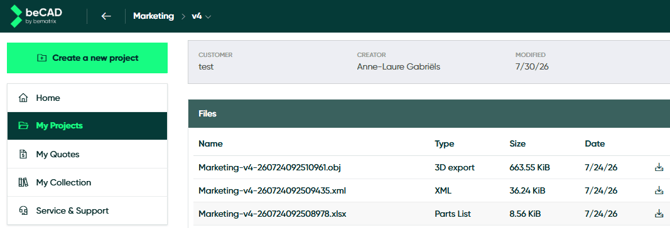
On your projects dashboard, you can see at a glance which files you can download. Among them is the 'Parts list'. It is updated automatically after every modification in your drawing. You can download it at any time, it is an Excel file.
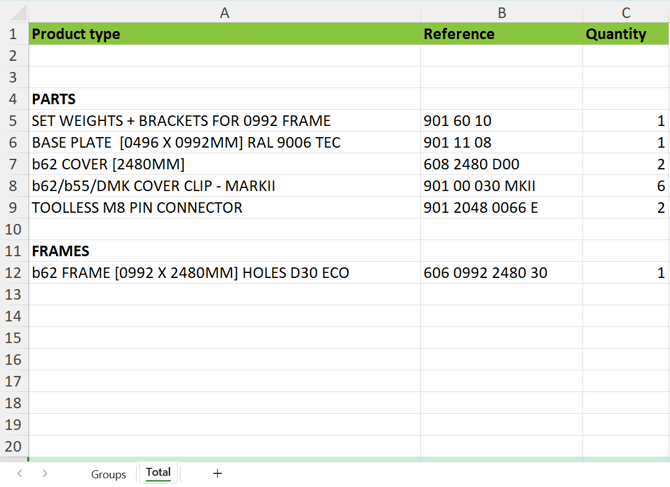
In the downloaded Excel file, you will see the product type, name of article, number of article and quantity. If you have drawn with previously saved groups, look in Excel's 'groups' sub tab for a full overview.